Run MSX
MSX GUI
The MSX GUI can be found at (Link)[https://www.dropbox.com/home/Tools/EPANET-MSX/Software] This is a 32 bit GUI that runs EPANET only it also allows for multi species quality runs done in MSX. Currently this project runs the older version of MSX version 1.
We have been able to build a 32 bit version of MSX by using the
cmake ..
cmake --build . --config Release
Note: under Windows, the third command should be cmake .. -A Win32 for a 32-bit build or cmake .. -A x64 for a 64-bit build when Microsoft Visual Studio is the default compiler.
TODO: verify that the new 32 bit version of MSX works in the GUI version. This works with EPANET but I am not sure if it works with msx.
MSX in Visual Studio
After running cmake and following the instructions from Git for EPANETMSX to build solution and project files. Open the Solution
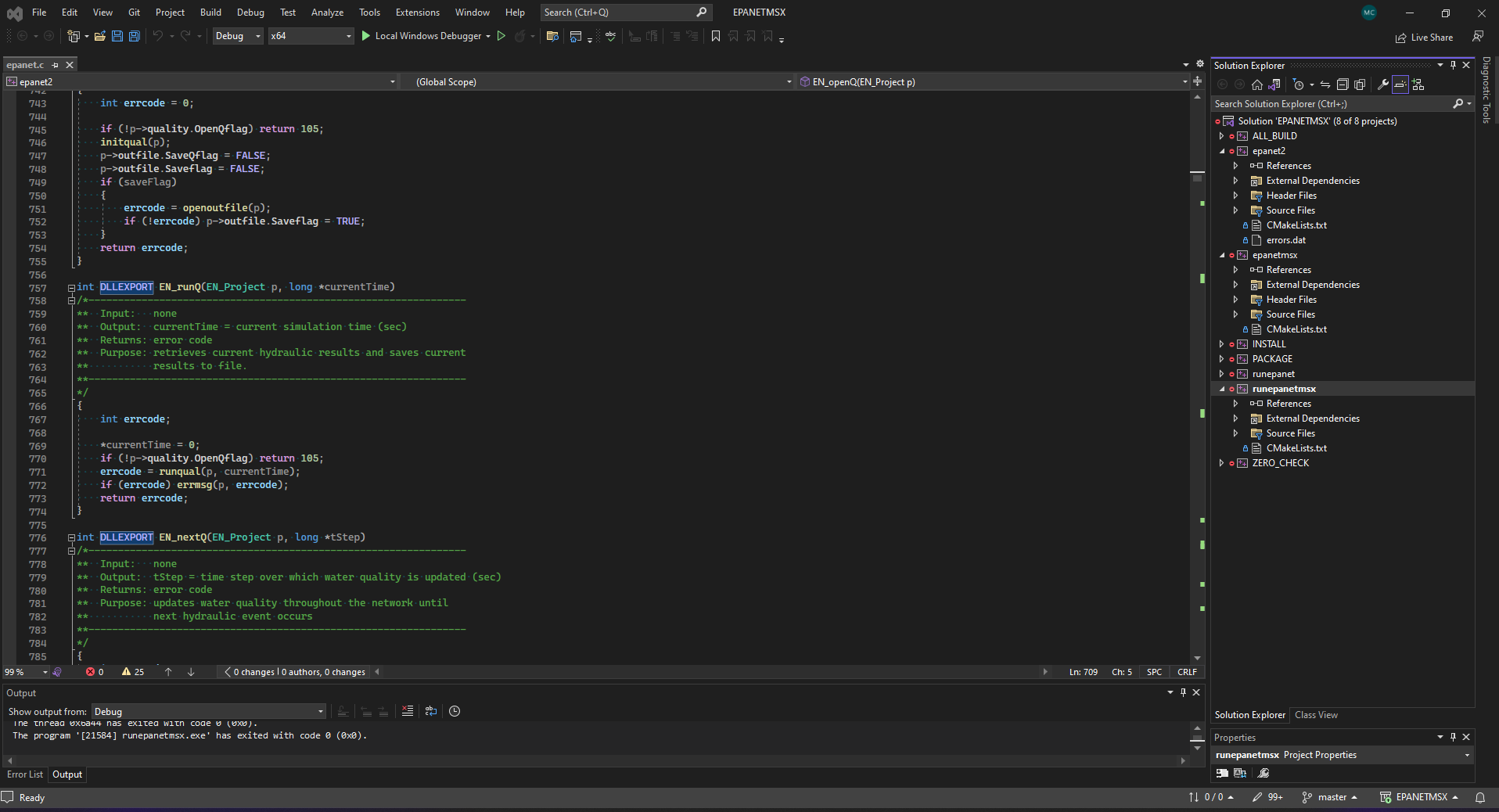
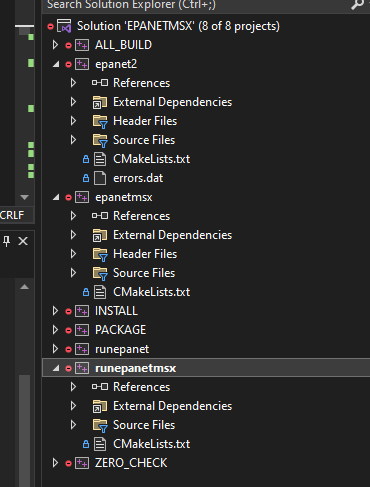
Set the startup project to epanetmsx
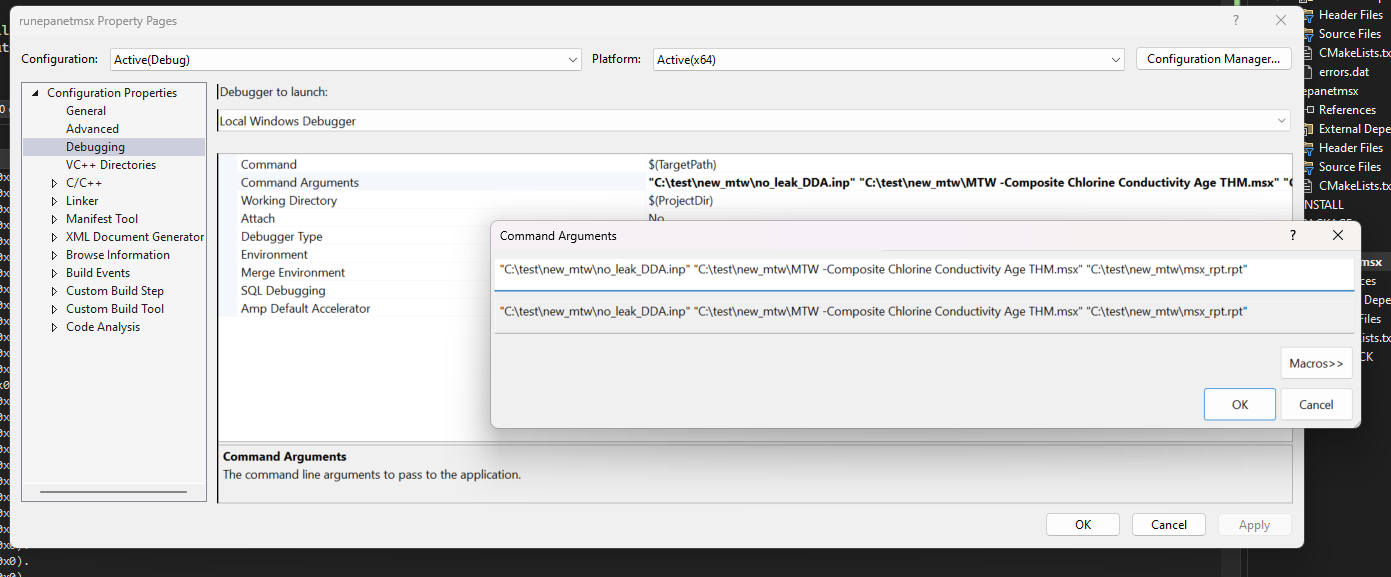
Set the properties.
 Run the solution.
MSX in Comand Line
The command line arguments that need to be run are as follows: TODO Jake Please add the command Line arguments Here.